Shopping and supermarket simulators, compared
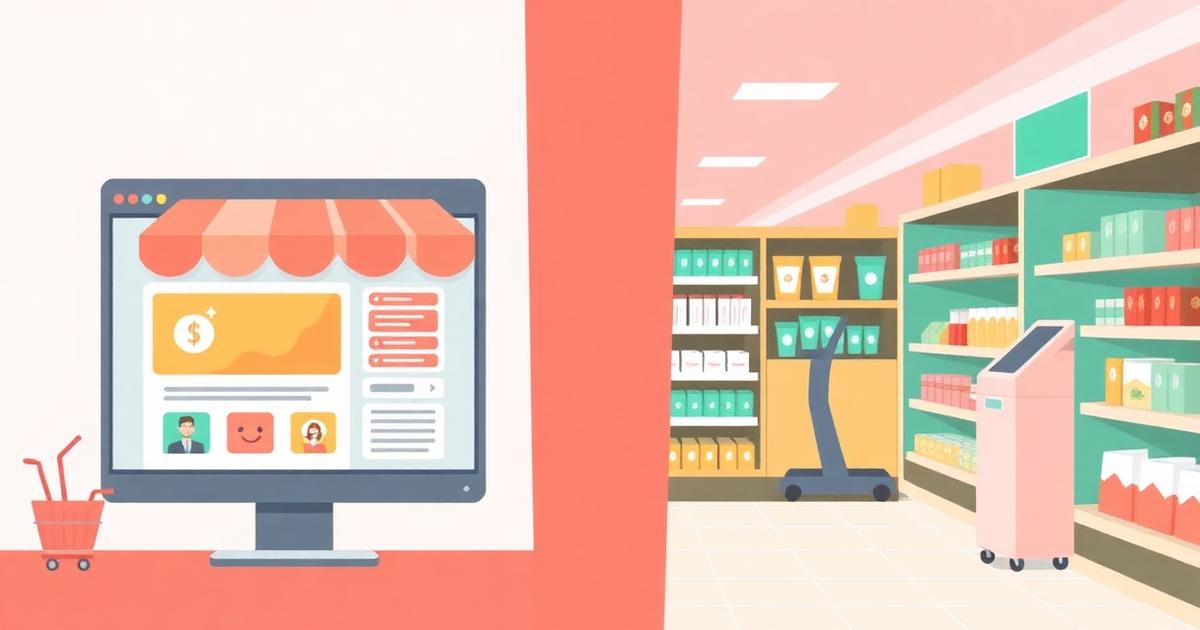
If you searched for a supermarket simulator or a grocery store game, you probably want one of two very different things: a management sim where you run a shop, or the pure hit of browsing and buying without spending anything. This guide explains the difference, and where VibeMart fits.
Two kinds of shopping games
Store-management sims put you behind the counter. You restock shelves, price items, handle customers, and grow a business over long saves. They are deep, they take an install, and they usually cost money.
Shopping simulators put you on the other side of the counter. The loop is browsing, wanting, and checking out — no inventory spreadsheets. VibeMart is this second kind, except every product is fictional and the currency is imaginary, so the fun costs exactly zero.
VibeMart vs a typical supermarket simulator
| VibeMart | Supermarket simulator games | |
|---|---|---|
| Price | Free, no account needed to browse | Usually a paid store purchase |
| Install | Opens in any browser, phone or desktop | Download + install, desktop-first |
| What you do | Browse absurd products, checkout with fictional coins | Stock shelves, run a till, manage a store |
| Session length | 30 seconds to 5 minutes | 30+ minute management sessions |
| Money involved | None ever — fictional currency only | Real purchase, in-game economy |
| Daily hook | VibeCheck daily challenge + streaks | Progression across long saves |
Why browser-based matters
A shopping game only works if you can open it in the ten seconds you actually have. VibeMart loads in a tab, works on a phone, and remembers your coins and streak. No launcher, no patch notes, no storage space.
Free dopamine, zero spend
Everything on VibeMart is a simulation: the products do not exist, nothing ships, and no money is ever charged. You get the browse-add-checkout loop with none of the regret — plus a daily challenge, coins, and a leaderboard if you want something to chase.
Where to start
- Browse the storefront — the fastest way to see what a fictional catalog looks like.
- Play today's VibeCheck challenge — guess prices, spot the AI fake, earn coins.
- Check the leaderboard — see how your fictional fortune compares.
Simulation only · no products exist · no money is ever charged